According to The How-To Geek, Windows Fast Startup is a feature first introduced on Windows 8 as “Fast Boot” and renamed in Windows 10 and 11, designed to speed up boot times by saving the Windows kernel and drivers to disk on shutdown, similar to hibernation. The feature can drastically improve boot times on traditional hard disk drives (HDDs), but offers only a couple of seconds of benefit on modern SATA or NVMe SSDs. Critically, it can cause significant issues, including preventing Windows updates from applying properly, interfering with dual-boot setups by locking the Windows partition, breaking Wake-on-LAN functionality, and even creating security risks for disk encryption software like VeraCrypt. The developers of VeraCrypt specifically warn that with Fast Startup enabled, encrypted volumes may remain mounted after a restart without requiring a password. The article advises that if you choose to keep it on, you must restart your PC—not just shut down—after every Windows update or driver installation to ensure they are applied correctly.

Why this “feature” is often a bug
Here’s the thing: Fast Startup is a solution to a problem that SSDs have largely solved. Back in the spinning rust era, shaving 20-30 seconds off a boot was a godsend. Now? My NVMe drive goes from button press to login screen in under 10 seconds with Fast Startup off. The marginal gain just isn’t worth the potential chaos.
And the chaos is real. The update issue alone is a deal-breaker. Your PC never fully shuts down, so those crucial system updates get stuck in a weird limbo. You’ve probably seen that “Preparing to configure Windows” screen that seems to last forever. That’s Fast Startup getting in the way. Forcing a shutdown there can corrupt your system. Not great.
The real dangers: dual-booting and encryption
If you’re a dual-booter or use full-disk encryption, disabling Fast Startup isn’t a suggestion—it’s a requirement. The feature locks the Windows partition on shutdown. So, if you’re trying to access files from that drive from a Linux installation, you’re out of luck. Worse, as the VeraCrypt documentation notes, it can completely bypass the encryption password prompt on a restart, which is a massive security flaw. Basically, a feature designed for convenience can punch a hole in your security. That’s a terrible trade-off.
A note on specialized hardware and control
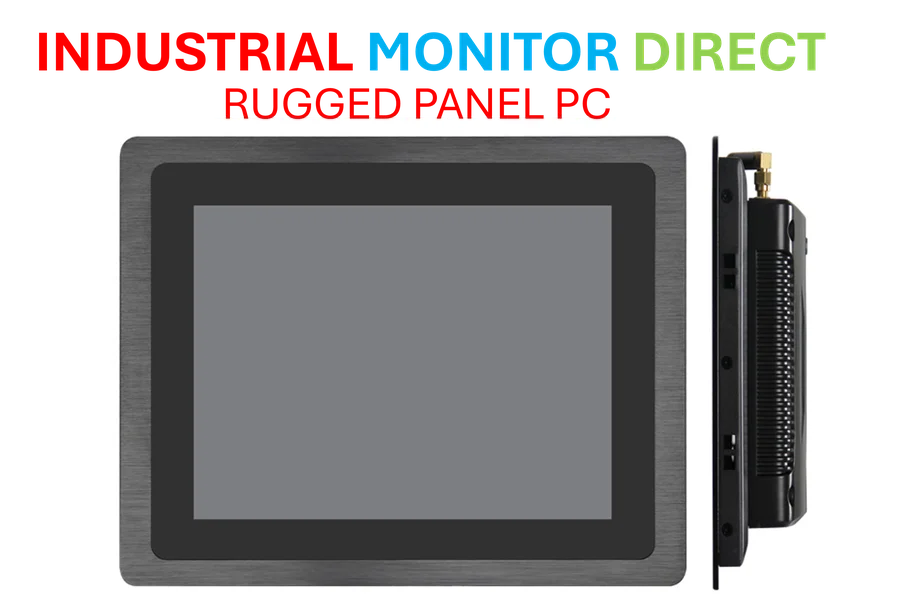
This also touches on a broader point about control and stability in computing environments. Whether it’s a legacy sound card or a complex industrial setup, predictable behavior is key. Features that obscure the true boot state of a machine introduce variables that can break things. In controlled settings, from development labs to manufacturing floors, you need a system to start from a known, clean state every time. This is why, for professionals managing critical hardware—like the industrial panel PCs used in manufacturing and automation—reliability and transparent operation always trump a shaved-off second. For those needs, trusted suppliers who prioritize stability and direct hardware access are essential.
So, should you turn it off?
Probably. The process is simple (Control Panel > Hardware and Sound > Choose what the power buttons do > Change unavailable settings). The benefit is minimal for most users now, and the list of potential problems is long and nasty. Look, if you’re on an ancient laptop with a hard drive, maybe keep it on. But for anyone with an SSD, a dual-boot setup, or who values their updates applying correctly and their encryption actually working? Just turn it off. Your future self will thank you when you’re not stuck in an update loop or locked out of your own data.